Documentation Index
Fetch the complete documentation index at: https://solarservicesdocs.com/llms.txt
Use this file to discover all available pages before exploring further.
Recommended To Follow The Anti-Virus Setup First!
Please ensure CPU Virtualization is Enabled so you can utilize the Hypervisor. Having CPU Virtualization Disabled may cause lower unban rates.
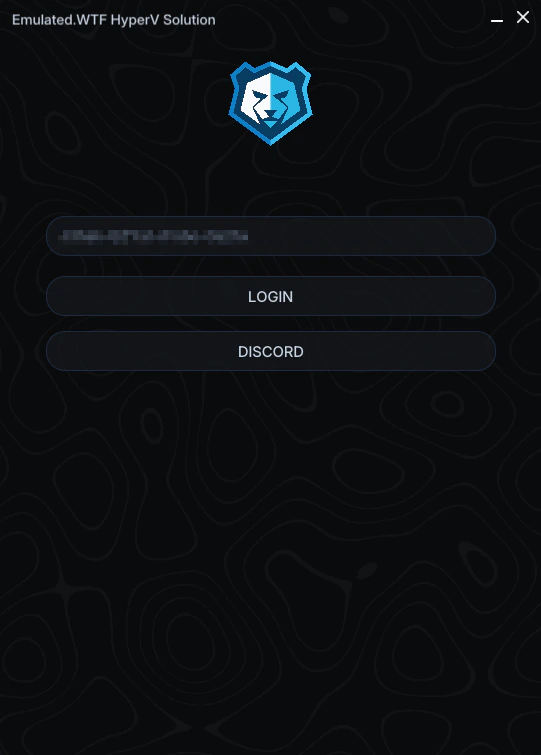
- Login using your key.
- If its your first time using the spoofer and you are banned, you will want to run the cleaner. If you are banned from Fortnite, you will want to download the folder below and follow the instructions in the README file. The inbuilt cleaner does not work on Fortnite hence the use of 3rd party cleaners.
Fortnite Cleaners: https://mega.nz/file/QpximILC#L2U95m3YsxztTufwfelpku8cYS4QES8paYFiYiCXLiw
DISCLAIMER: PC Restart is REQUIRED after running the cleaner/3rd party cleaners.
NOTE: Running the cleaner is only necessary after a ban.
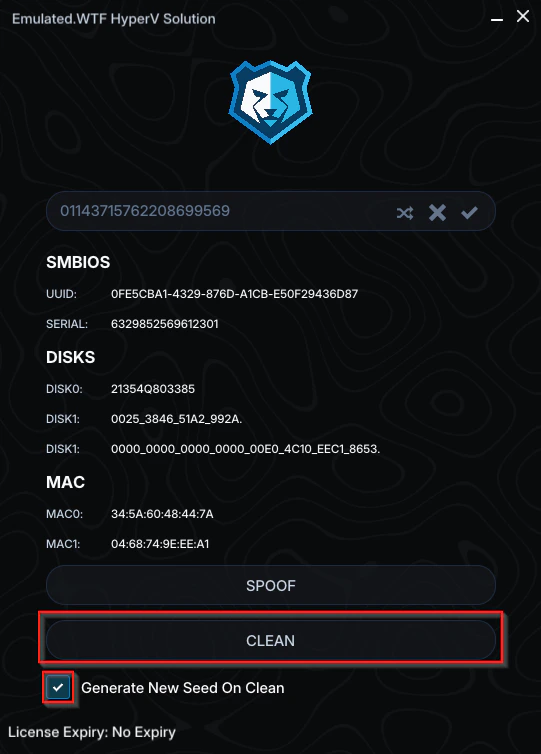
- Once on the main page, you will want to randomize your seed before spoofing. Click the randomize icon then the tick icon to save the newly generated seed.
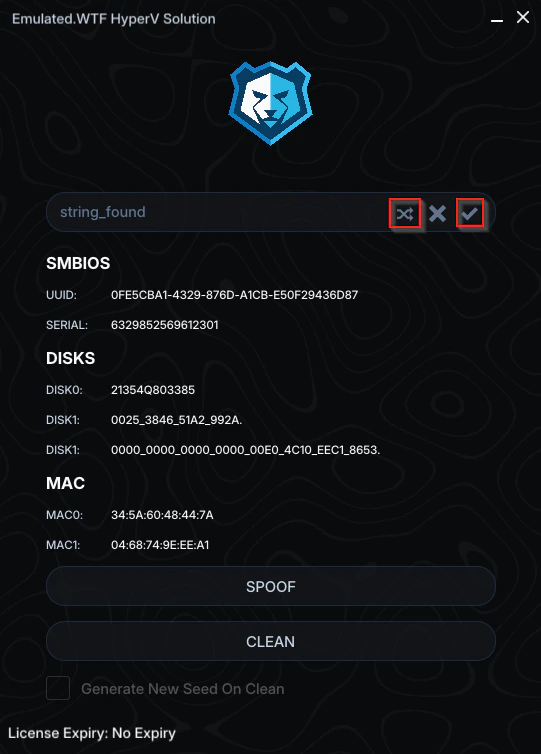
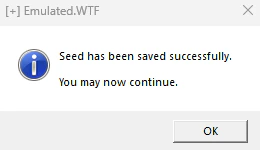
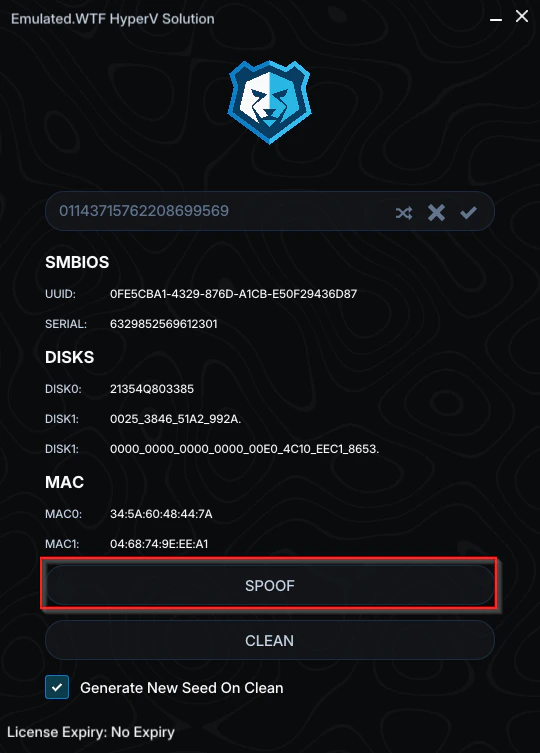
- Click the Spoof button.
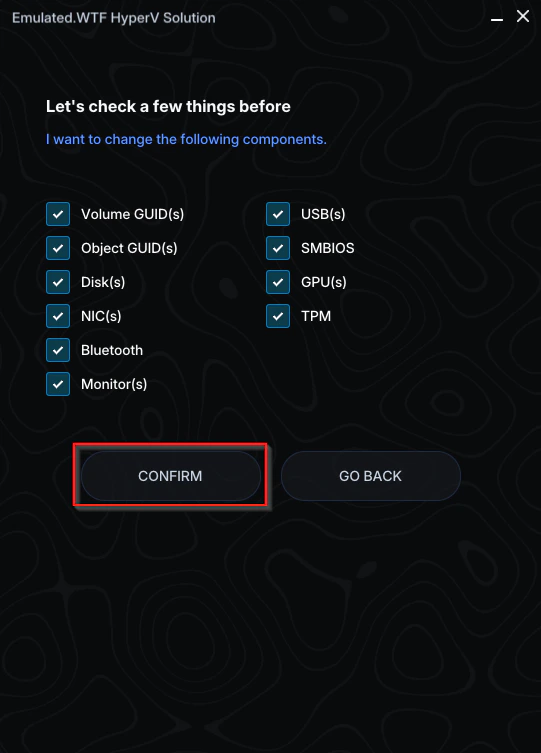
- Ensure all spoof options are ticked, then click Confirm.
- Click on the game you wish to spoof for, if your desired game isn’t listed, click the Other option, then click Spoof.
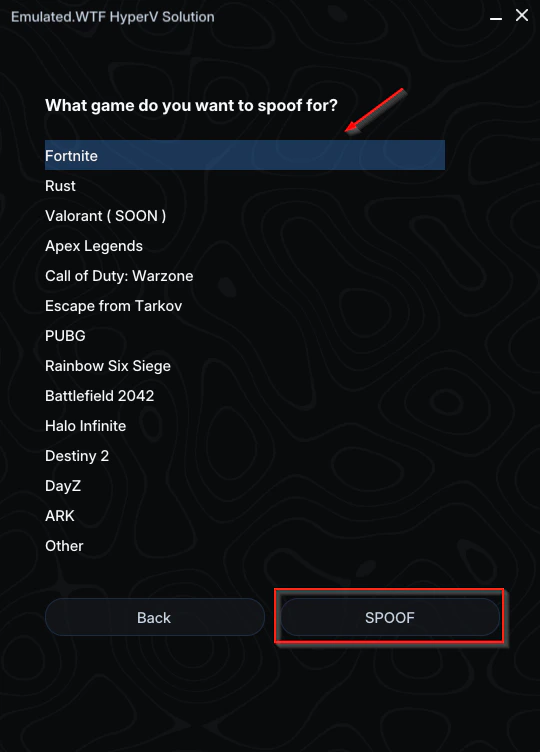
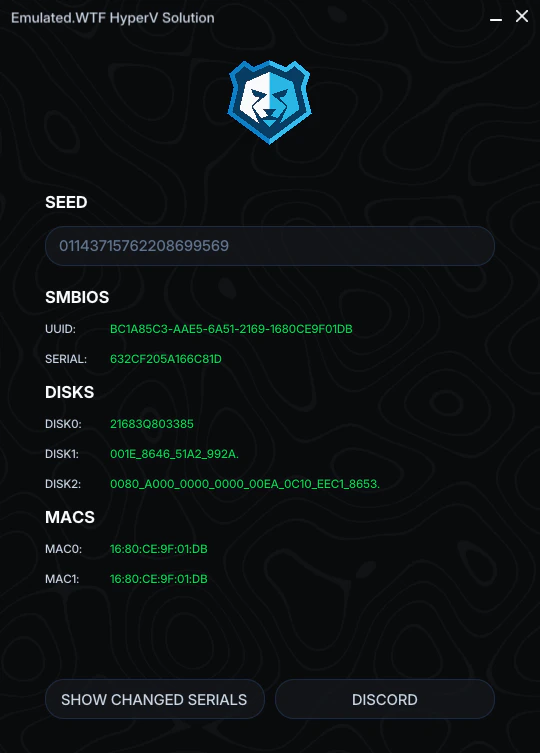
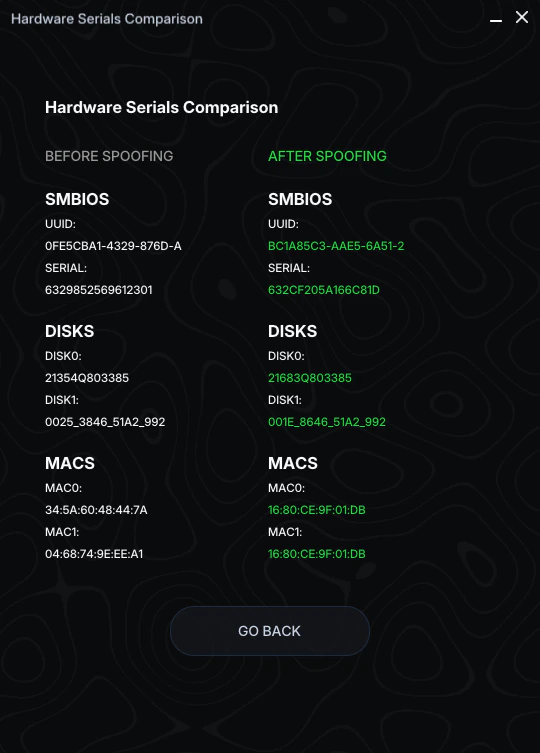
- After Spoofing is completed, check your serials and ensure they appear as green, if they appear red, follow the steps below.
- Restart PC & simply try again.
- If step 1 didn’t work, use a VPN such as https://1.1.1.1 and retry, rate limiting can often cause a failure in spoofing, a VPN bypasses such rate limiting.
- If it still persists, please join the discord and open a ticket, providing what steps you have followed and a picture of your serials on the end spoof page.