
Documentation Index
Fetch the complete documentation index at: https://solarservicesdocs.com/llms.txt
Use this file to discover all available pages before exploring further.
Anti-Virus Setup
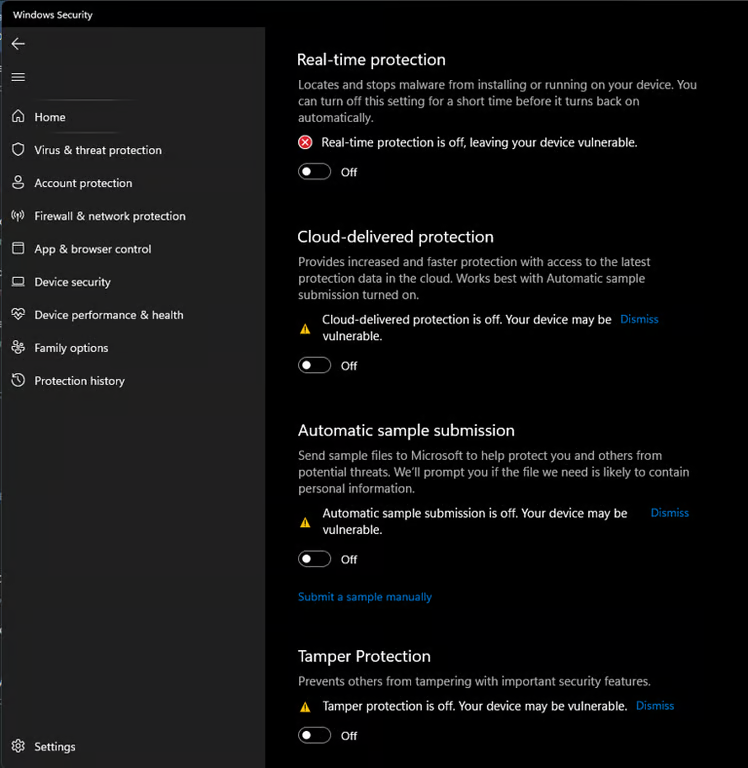
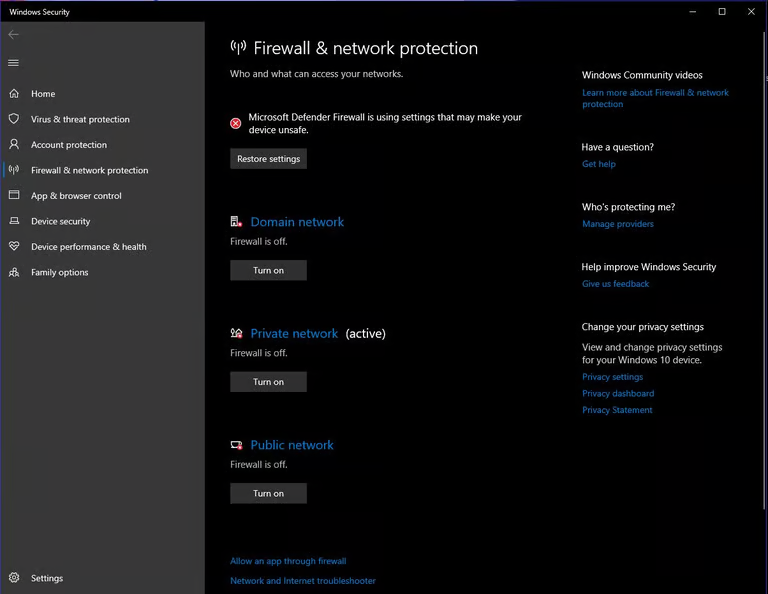
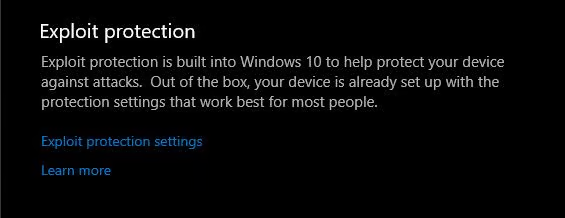
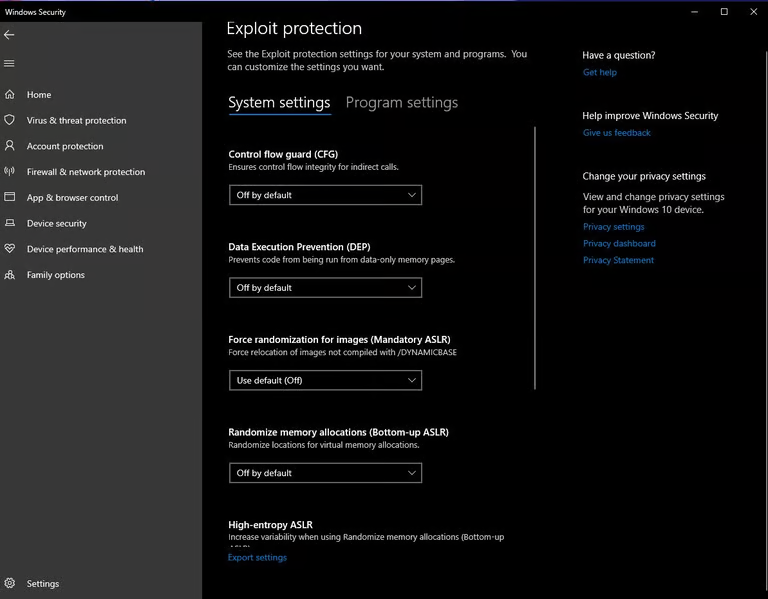
- Make Sure Your Turn Off All Virus & Threat Protection, if you do not run defender control, Real-time Protection will re-enable itself after every system restart.
- Download Sordum Defender Control
- Download Winrar
- Open Defender Control using Winrar.
- Use the Password ‘sordum’ To Extract.
- Run The Program & Disable Antivirus
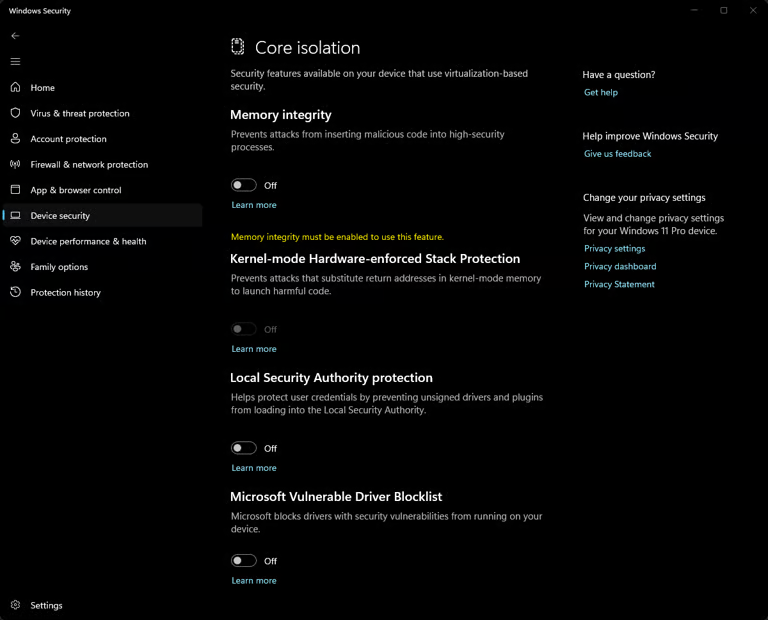
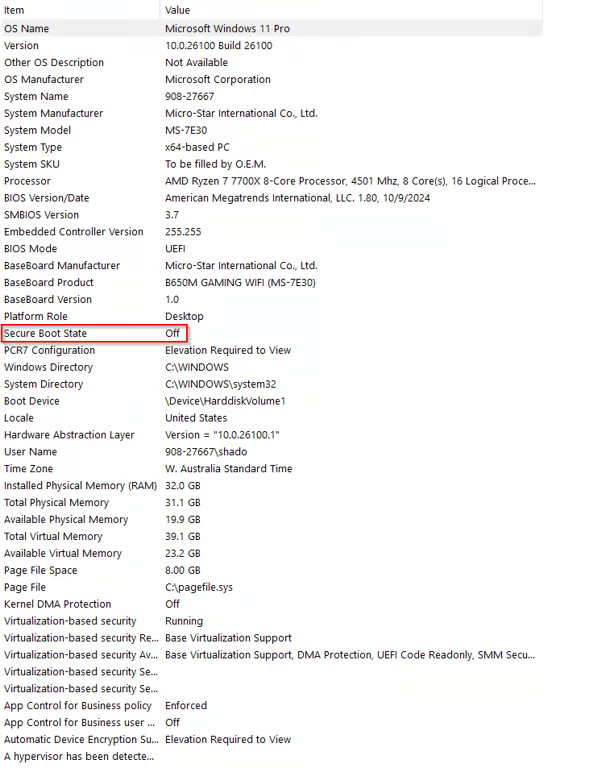
Secure Boot Setup (ONLY IF CHEAT REQUIRES IT OFF)
- Hit the Windows Key + R To Open Windows Run
- Now type “msinfo32” and hit Enter.
Faceit / Riot Clients
- Search Add Or Remove Program
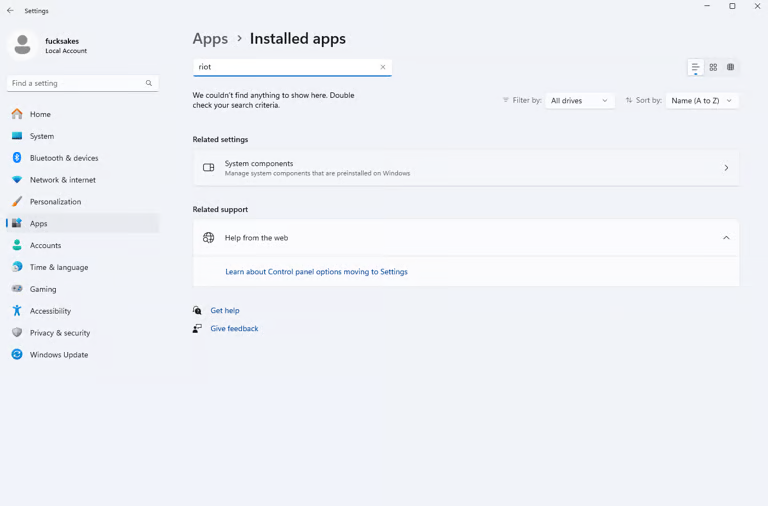
- RIOT CLIENT
- VANGUARD
- FACEIT
- Or Any Other 3rd Party Antivirus Software