Documentation Index
Fetch the complete documentation index at: https://solarservicesdocs.com/llms.txt
Use this file to discover all available pages before exploring further.
- Open Microsoft Store and search for “PowerToys”
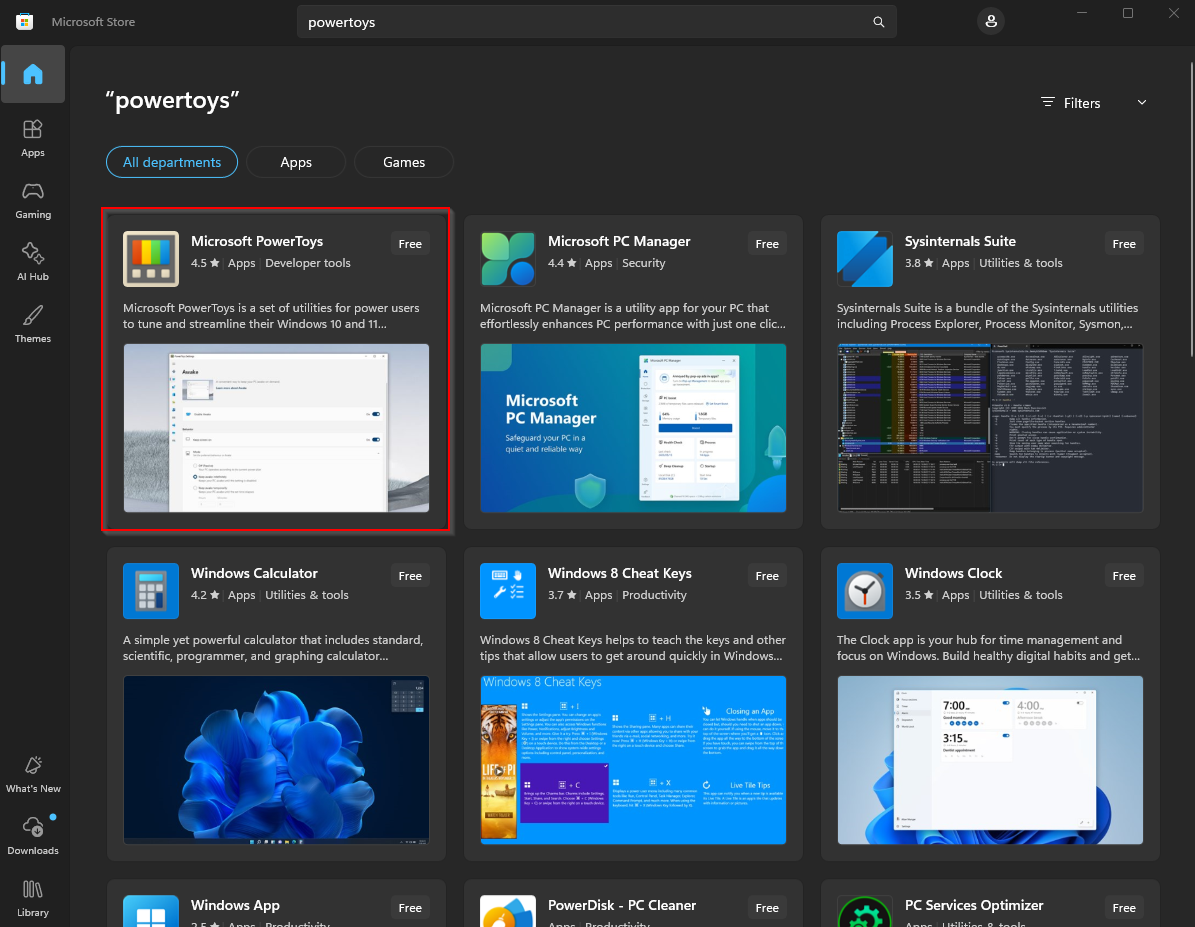
- Install Microsoft PowerToys & open it.
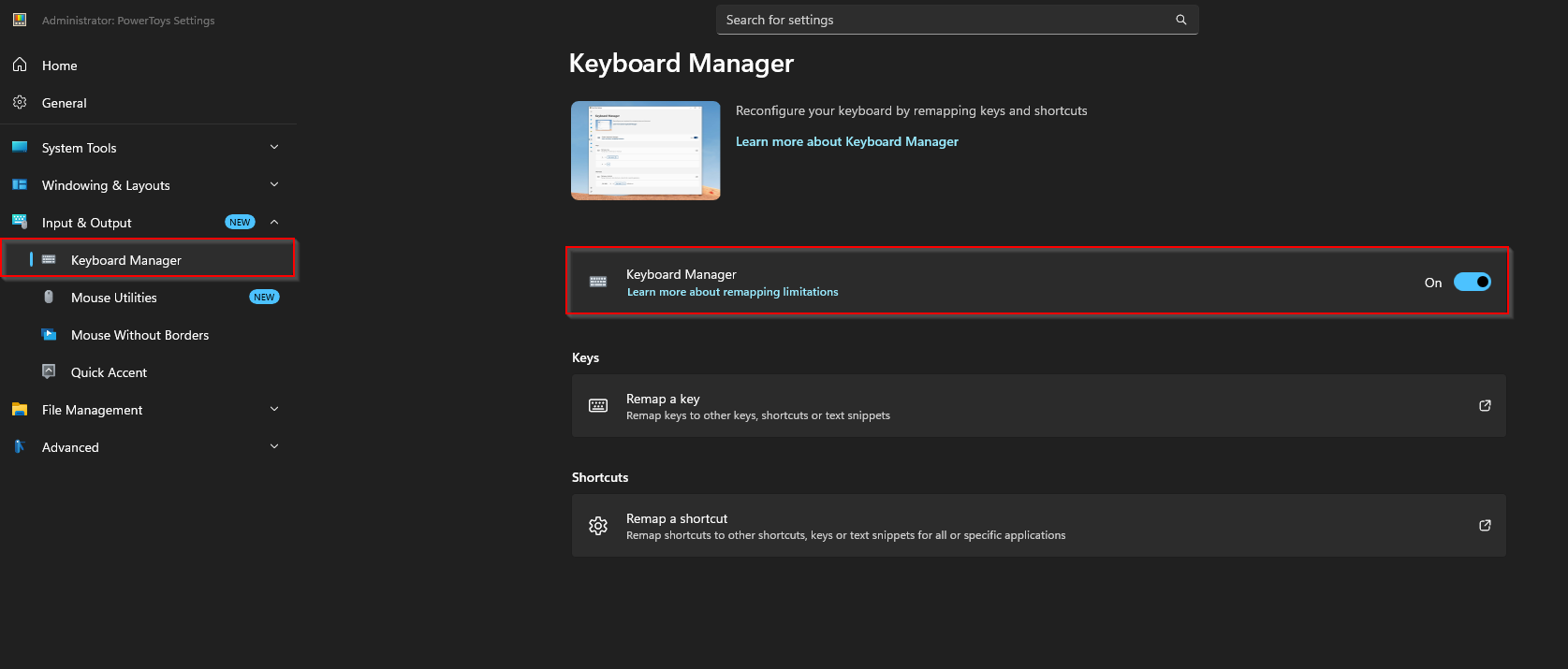
- Click on Input & Output, then Keyboard Manager. Enable Keyboard Manager.
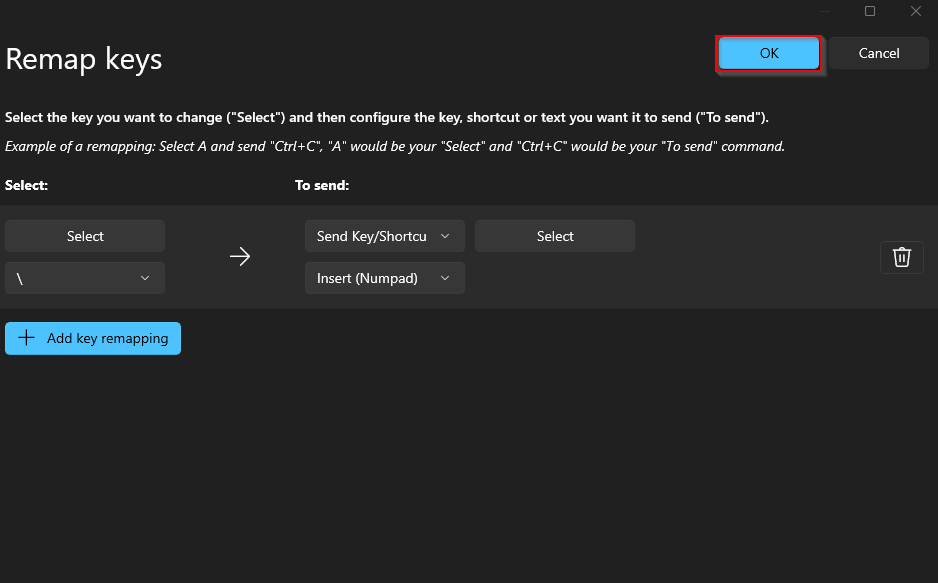
- Click Remap a key
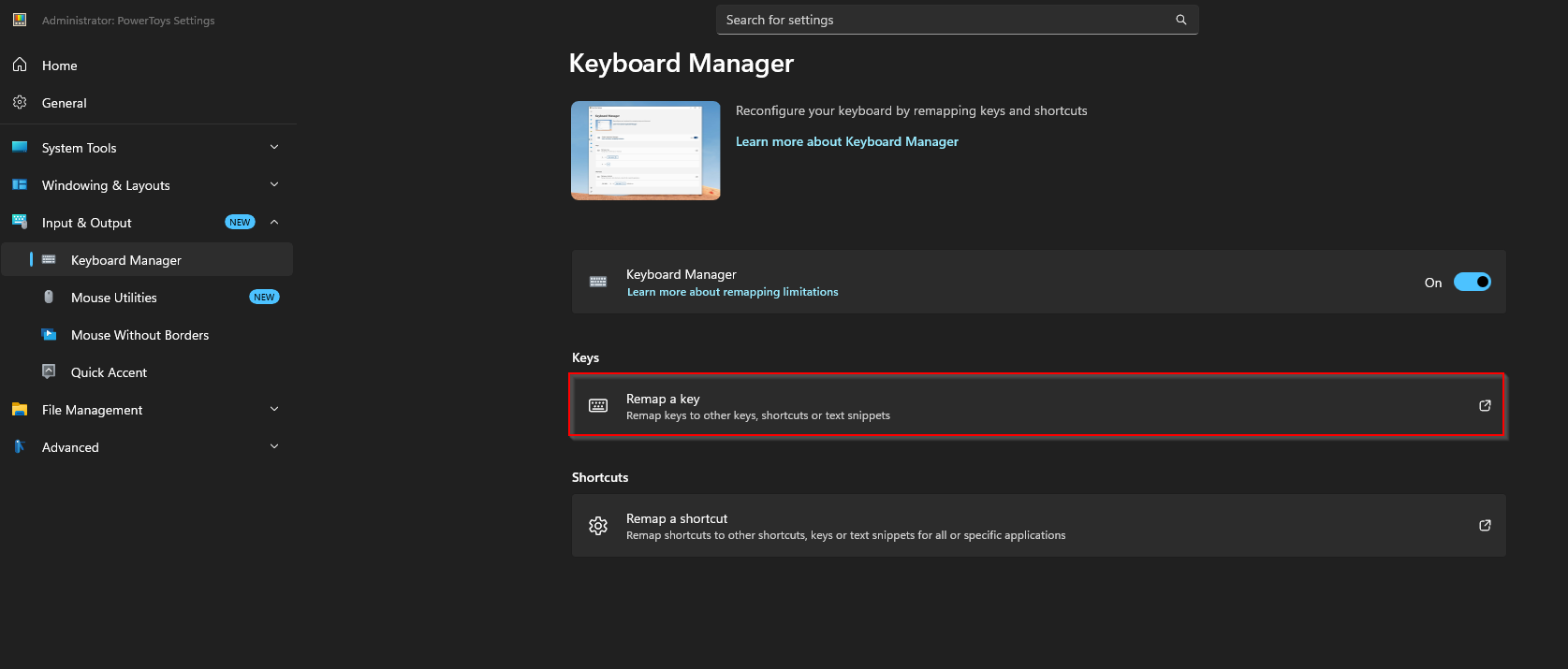
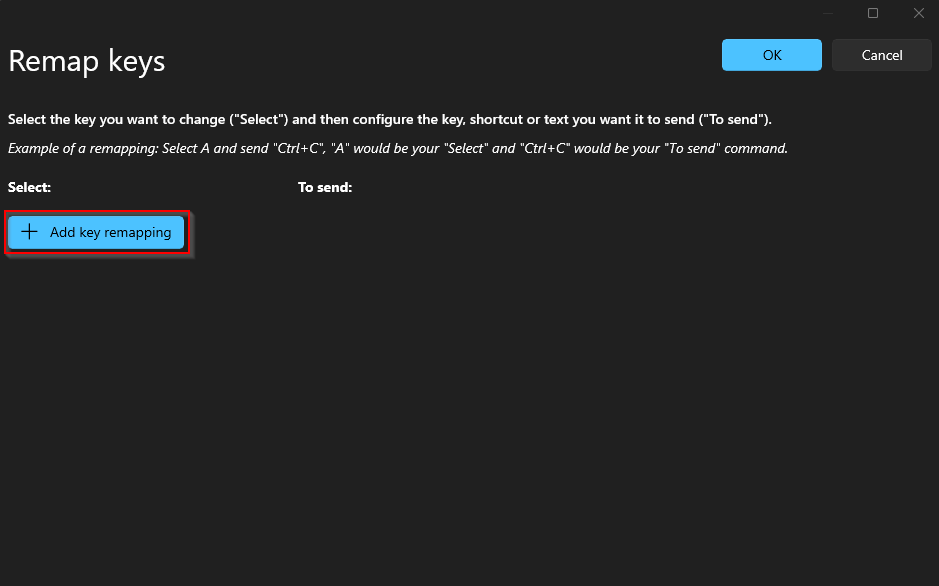
- Click Add key remapping.
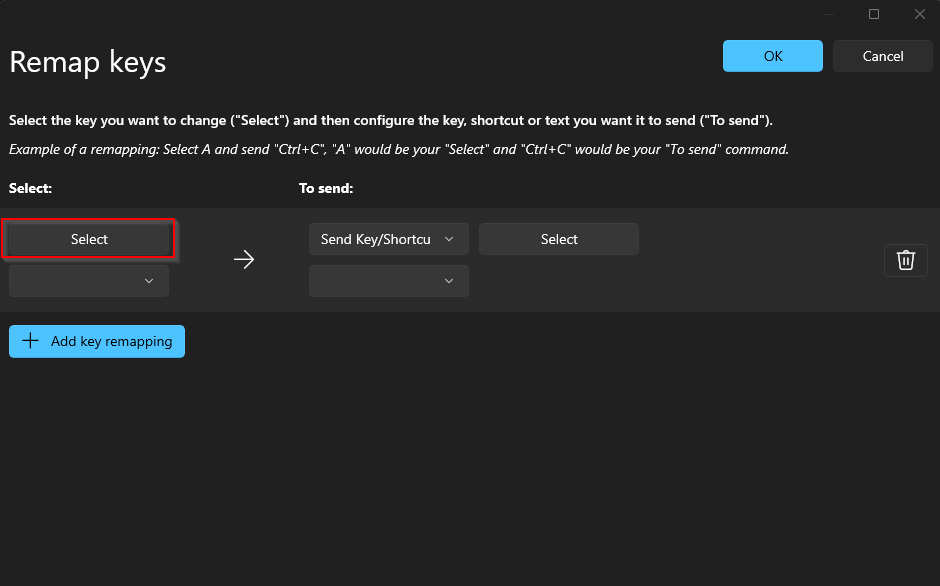
- Click Select and then press the key on your keyboard which you want to remap to insert.
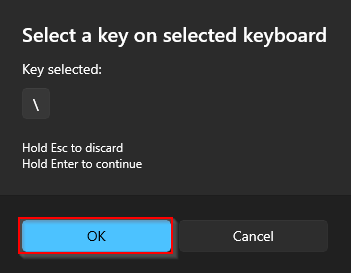
- Once you press the key you want to remap it will show underneath “Key selected:”, then click ok.
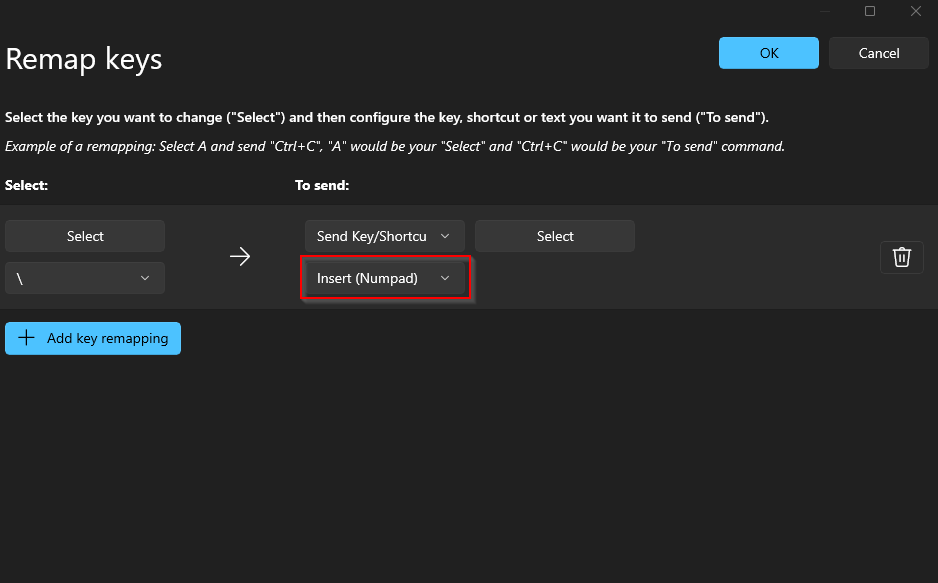
- Change the To Send key to Insert.
- Press ok.
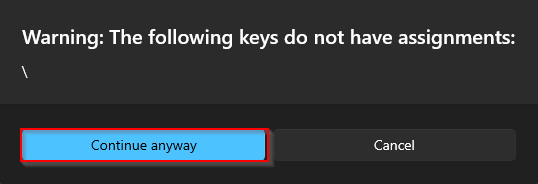
- Press Continue anyway.